
Latest Article.
Every WordPress agency calls itself an expert. We separated the claims from the credentials across 10 companies serving US clients, covering VIP partnerships, pricing signals, review themes, and who each one is genuinely built for.
All Articles.
Every WordPress agency calls itself an expert. We separated the claims from the credentials across 10 companies serving US clients, covering VIP partnerships, pricing signals, review themes, and who each one is genuinely built for.
Privacy laws don’t wait for launch day anymore. GDPR, CCPA, and DPDPA now expect compliance to be built into your code, not bolted on after. Here’s how we actually do it at Midnay.
Your WordPress migration plugin says “success”. But your database doesn’t know that. Serialized settings can corrupt silently, thumbnails can vanish without an error, and redirects can quietly hand your search rankings to a competitor. Most of these failures don’t show up on the homepage; they show up three weeks later when someone finally clicks the wrong link. Here’s what actually breaks during a migration, and which plugin is built to catch it before it costs you traffic.
That “quick custom plugin” request might be the right call or it might be the thing that breaks your site on the next theme update. Here’s how to tell the difference before you write a single line of code.

Not every agency for WordPress actually builds custom solutions. Many just configure themes and plugins. This guide covers the 10 key factors to evaluate before hiring a custom development company for WordPress, including performance, security, integrations, scalability, and AI readiness in 2026.
Your WordPress traffic dropped overnight and you have no idea why. No manual action, no plugin update, nothing obvious in the logs, just a graph that won’t go back up. Here’s what a WordPress SEO consultant actually does to find the real cause, and the exact situations where hiring one is worth it.
Enterprise buyers keep getting steered toward Adobe or Sitecore before anyone checks whether WordPress was even ruled out fairly. We’ve spent a decade proving otherwise, building platforms for global nonprofits and publishers that couldn’t afford downtime. Here’s the real distinction between a website that scales and one that just gets bigger.
You handed over your WordPress login, paid the invoice. Three months later nothing moved. Here’s how to vet a WordPress SEO company before you sign, and the red flags that mean you should walk away right now.

Yoast, Rank Math, or SEOPress? Three plugins, three pricing philosophies, and one key factor-how many sites you manage. That quietly rules out two of them. Here’s the exact 2026 pricing, AI features, and agency tools compared side by side.

Choosing WordPress developers by location is the wrong call. Explore the latest offshore vs. onshore data for 2026. Uncover what really impacts website quality, and find out why geography isn’t the barrier – it’s the process.

Divi or Elementor? The choice you make today can shape your website’s design, performance, and costs for years. We put both WordPress giants to the test -comparing pricing, features, flexibility, and long-term value.
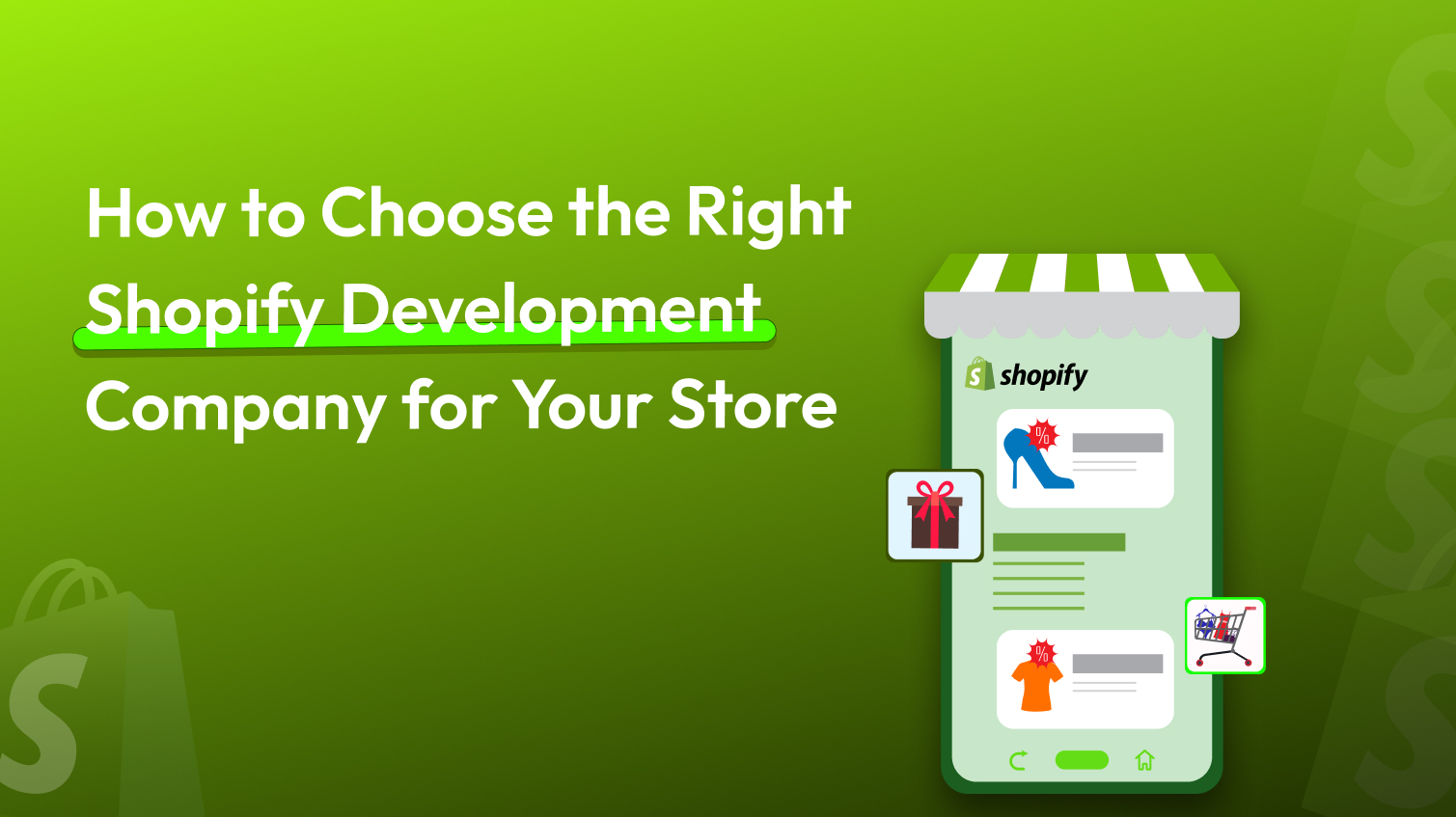
Not every Shopify agency builds the same way. Learn what separates real builders from theme installers and the checklist to evaluate performance, SEO, migration safety, and post-launch support before you sign.

Sucuri promises bulletproof security, but the free plugin doesn’t even have a firewall. We break down exactly where Sucuri delivers, where it falls short, and who should skip it entirely.

Four names, one decade, and a rebrand that just doubled the price. Here’s what actually changed when Solid Security Pro became Kadence Security, and whether it’s still worth your money.

We’ve used Wordfence across client sites for 3-4 years. Here’s what actually held up, where it slowed things down, and why the free tier’s 30-day delay matters more than people think.

WordPress or Drupal in 2026? The answer is about which one fits where your business is right now. Teams keep switching between the two platforms, not because one has won, but because their content, budgets, and governance needs have changed.

If you’ve narrowed your website platform choice down to Squarespace and WordPress, we’re here to help. Both solve the same problem in opposite ways, one hands you convenience, the other hands you control. Here’s exactly which one fits your business, your budget, and your growth plans.
Most hacked WordPress sites were actually
ignored. That monthly “Update All” click you’ve been calling maintenance? It’s barely scratching the surface. Real maintenance is security, backups, performance, and functionality all working in the background, all the time.

Most clients evaluate migration services on price and confidence. Never tells you whether your site will survive the move. This guide gives you the framework to evaluate what actually matters before you hand over your site.
In a world where people expect instant results, website speed plays a major role in keeping visitors engaged. A slow website can drive visitors away, even before they see what you have to offer. A few extra seconds of loading time can lead to higher bounce rates, lower conversions, and a poor first impression. Keeping your site fast and responsive is no longer optional, but essential.
Back to Top