
The Only 6 WordPress Plugins Your Nonprofit Website Actually Needs
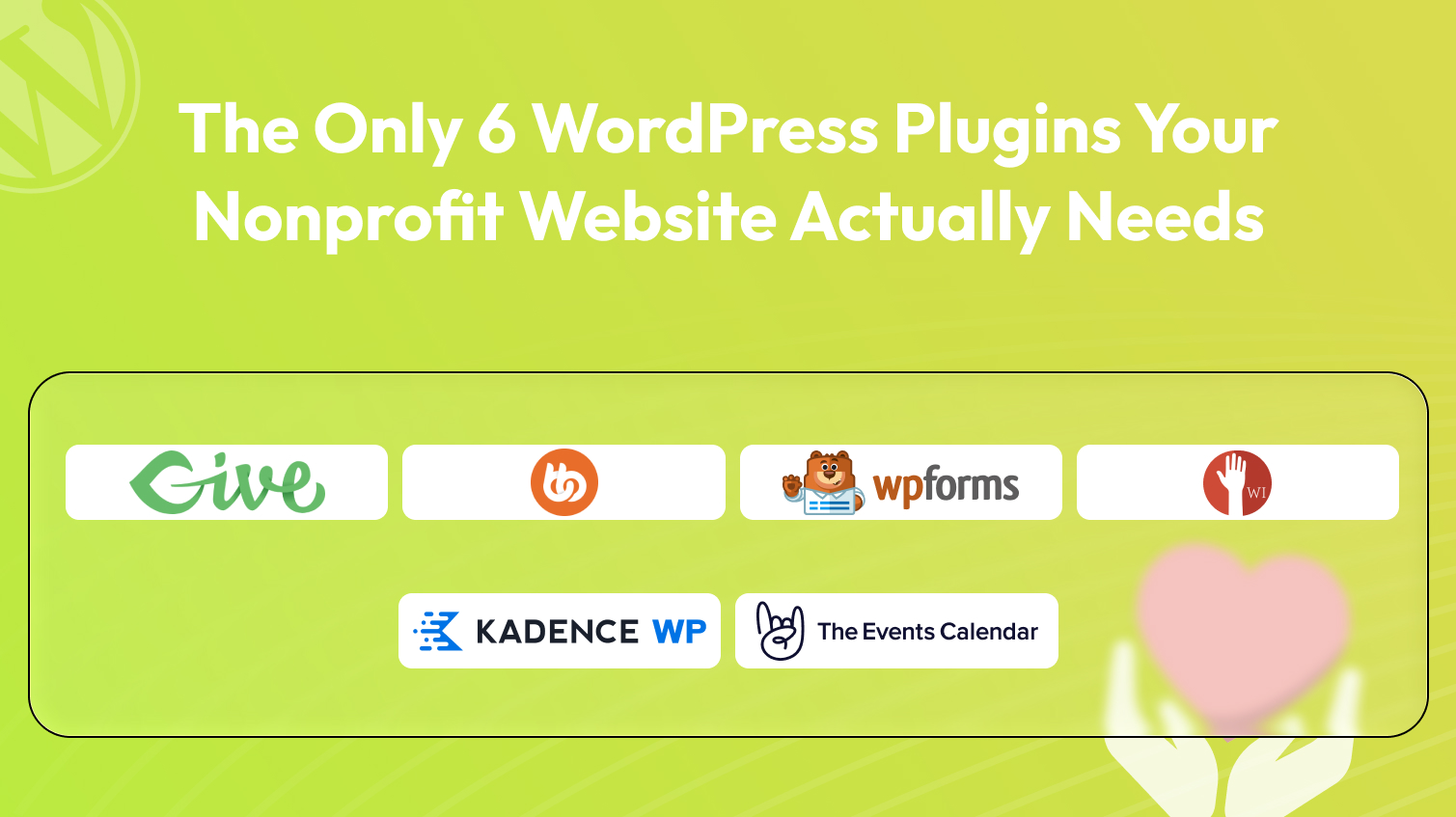
Running a nonprofit is hard enough without your website becoming a source of stress. Yet many nonprofit site owners find themselves buried under a pile of overlapping plugins. one for donations, another for forms, a separate one for events, something for members, something else for community, and suddenly you’re managing fifteen tools that barely talk to each other.
The truth is, you don’t need fifteen plugins. You need six. Six well-chosen, purpose-built tools that each handle exactly one job and handle it exceptionally well.
In this guide, we’ll walk you through a lean WordPress plugin stack designed specifically for nonprofit organizations. Whether you run a small community foundation, a large advocacy group, or anything in between, this setup will give you everything you need to raise funds, engage supporters, manage volunteers, and promote events without the technical overwhelm.
Why Most Nonprofit Sites Are Over-Plugged (and Under-Optimized)
Nonprofit website owners often start by installing whatever plugin looks good at the time. A free donation plugin here, a contact form there, a community tool someone recommended at a conference. Before long, the site has more plugins than pages, and every update becomes a gamble.
The problems that follow are predictable: plugins conflict with each other, site speed suffers, and the team spends more time troubleshooting than actually using the tools. Worse, many generic plugins aren’t built with nonprofits in mind. they’re designed for e-commerce stores, SaaS businesses, or general blogs, and they just don’t map cleanly to the way nonprofits actually operate.
The solution isn’t to find more plugins. It’s to find the right ones. one per function, chosen specifically for nonprofit use cases.
The Lean Nonprofit Plugin Stack
Six plugins, Six distinct functions, Zero overlap. Let’s look at why each one earns its place.
1. GiveWP: Fundraising and Donations
If your nonprofit has a heartbeat, it’s online giving. Everything else on your website, your mission statement, your impact stories, your events calendar ultimately exists to support the act of someone choosing to give. That means your donation plugin can’t be an afterthought.
GiveWP is the gold standard for nonprofit fundraising on WordPress, and it earns that reputation by being built specifically for this purpose. Unlike payment plugins repurposed for donations, GiveWP starts with the donor experience and works outward from there.
With GiveWP, you can:
- Create beautifully branded donation forms that match your organization’s identity
- Set up multi-campaign pages so supporters can choose where their money goes
- Configure recurring donation options to turn one-time givers into monthly supporters
- Track donors, generate reports, and integrate with email marketing tools and CRMs
That last point matters more than most people realize a donor who feels seen and appreciated gives again. GiveWP makes that nurturing possible at scale. For nonprofits, it’s the only plugin you need in the fundraising slot. Everything else in this stack is built to complement it.
2. WPForms: Forms and Data Collection
Think about how many forms a nonprofit actually needs. Volunteer signups. Beneficiary applications. Event RSVPs. Program feedback surveys. Board nomination forms. Grant inquiry forms. Sponsor partnership requests. Every one of these is a different context, a different audience, and a different set of fields and trying to manage all of that with a basic contact form plugin is a recipe for frustration.
WPForms is the right tool for this job. Its drag-and-drop builder is genuinely intuitive, and there are nonprofit-ready templates built in so you’re not starting from scratch every time. What really elevates WPForms for nonprofits is its support for conditional logic and multi-step forms. you can build a single volunteer application that shows different questions based on a person’s availability, skills, or interests.
WPForms also integrates cleanly with GiveWP, email marketing platforms, and a wide range of external services, so the data you collect flows where it needs to go without manual data entry eating up your team’s time.
3. BuddyBoss Platform: Supporter Community
Here’s something that separates thriving nonprofits from struggling ones. the best organizations don’t just collect donations, they build communities. Donors who feel part of something bigger than a transaction stick around. Volunteers who have a space to connect with each other stay engaged.
BuddyBoss Platform turns your WordPress site into a genuine community hub. You can create private supporter groups organized around specific campaigns or causes, build discussion forums, and establish member directories that let supporters find and connect with each other.
The platform also includes individual member profiles, private messaging, and social-style follow features. For nonprofits running capacity-building programs, BuddyBoss offers optional learning tools: webinar integration, training modules, and badge systems that recognize and reward engagement.
If you want supporters to keep coming back to your site after they’ve made their donation or signed up to volunteer, BuddyBoss is what makes that possible.
4. Wired Impact Volunteer Management: Volunteer and Operations Management
Most nonprofit operations depend heavily on volunteers. You need people to show up, stay informed, and feel organized. and you need to track who’s doing what, when, and for how long. Generic membership plugins aren’t built for this.
Wired Impact Volunteer Management is a plugin that exists specifically to solve this problem for nonprofits which immediately sets it apart from general-purpose alternatives. With it, you can create volunteer opportunities directly on your site, each with its own description, schedule, and available slots. Volunteers sign up through the site, you see their availability in an admin dashboard, and you can approve, schedule, and communicate with them without needing a developer.
The hour-tracking feature is especially useful for organizations that need to report volunteer contributions to funders or board members. Instead of chasing down spreadsheets, you have a record built directly into your site’s backend.
5. Kadence WP: Website Design and Layout
A nonprofit’s website needs to do a lot of heavy lifting visually. It needs to communicate your mission in seconds, move visitors toward a donation or sign-up, load quickly on mobile devices, and look credible enough that a first-time visitor trusts you with their credit card number.
Kadence WP, the Kadence theme paired with the Kadence Blocks plugin gives you a professional, flexible, and fast-loading design foundation that’s genuinely well-suited to nonprofit sites. Kadence comes with starter templates designed for nonprofits: donation-focused landing pages, impact story layouts, and hero-style “Donate Now” sections.
The drag-and-drop layout builder lets your team make changes without touching code. You can build pop-ups modals for donation appeals, call-to-action sections with counters showing your impact numbers, and responsive layouts that look great on any screen size. Crucially, Kadence is lightweight and fast-loading, which directly affects both the visitor experience and your search rankings.
6. The Events Calendar: Events and Programs
Nonprofits run on events, Fundraising galas, Awareness walks, Training sessions for volunteers, Community workshops, Advocacy rallies, Virtual webinars. If your website can’t surface this activity clearly, you’re losing the momentum that events are supposed to generate.
The Events Calendar is the strongest WordPress plugin for this function. It displays your events in a clean, user-friendly calendar view that lets supporters see everything at a glance. Individual event pages give you space to include full descriptions, speaker information, maps, and registration links.
For events that require tickets or RSVPs, The Events Calendar works with its companion plugin, Event Tickets, to handle that workflow for both in-person and virtual events. One detail worth highlighting: The Events Calendar has a nonprofit program that offers support and discounts to charitable organizations, a sign that the people building the tool understand your context.
Putting the Stack Together: Implementation Tips
Now that you have the full picture, here are a few practical notes for getting this stack live.
Install in a logical order. Start with Kadence WP to establish your design foundation, then add GiveWP and WPForms since they’ll need to be embedded throughout your content. BuddyBoss, Wired Impact, and The Events Calendar can follow in whichever order matches your most pressing needs.
Don’t activate everything at once. Each plugin has a learning curve. Give your team time to get comfortable with each tool before layering in the next. A well-configured GiveWP is more valuable than six half-configured plugins.
Keep your stack clean. Resist the temptation to add “just one more” plugin every time a new need arises. Before installing anything new, ask whether one of your existing six plugins can handle it.
Update regularly. Plugin updates include security patches that protect your donors’ data. Set a monthly schedule at minimum to check for and apply updates.
Less Is More for Nonprofit Websites
The nonprofit organizations with the most effective websites aren’t the ones with the most tools. They’re the ones with the right tools, well-configured and working together.
More importantly, this stack avoids the feature bloat, plugin conflicts, and administrative overhead that slow down so many nonprofit sites. You’ll spend less time troubleshooting and more time actually using your website to advance your mission. Start with what you need most urgently. Get it working well. Then build from there. Your supporters and your team will thank you for it.

Leave a Reply
Articles
Related Insights.
Blogs and Resources on WordPress, WooCommerce, SEO and Marketing
Leave a
Comment.