
Table of Contents
Top 5 WordPress Plugins Every Personal Website Needs in 2026
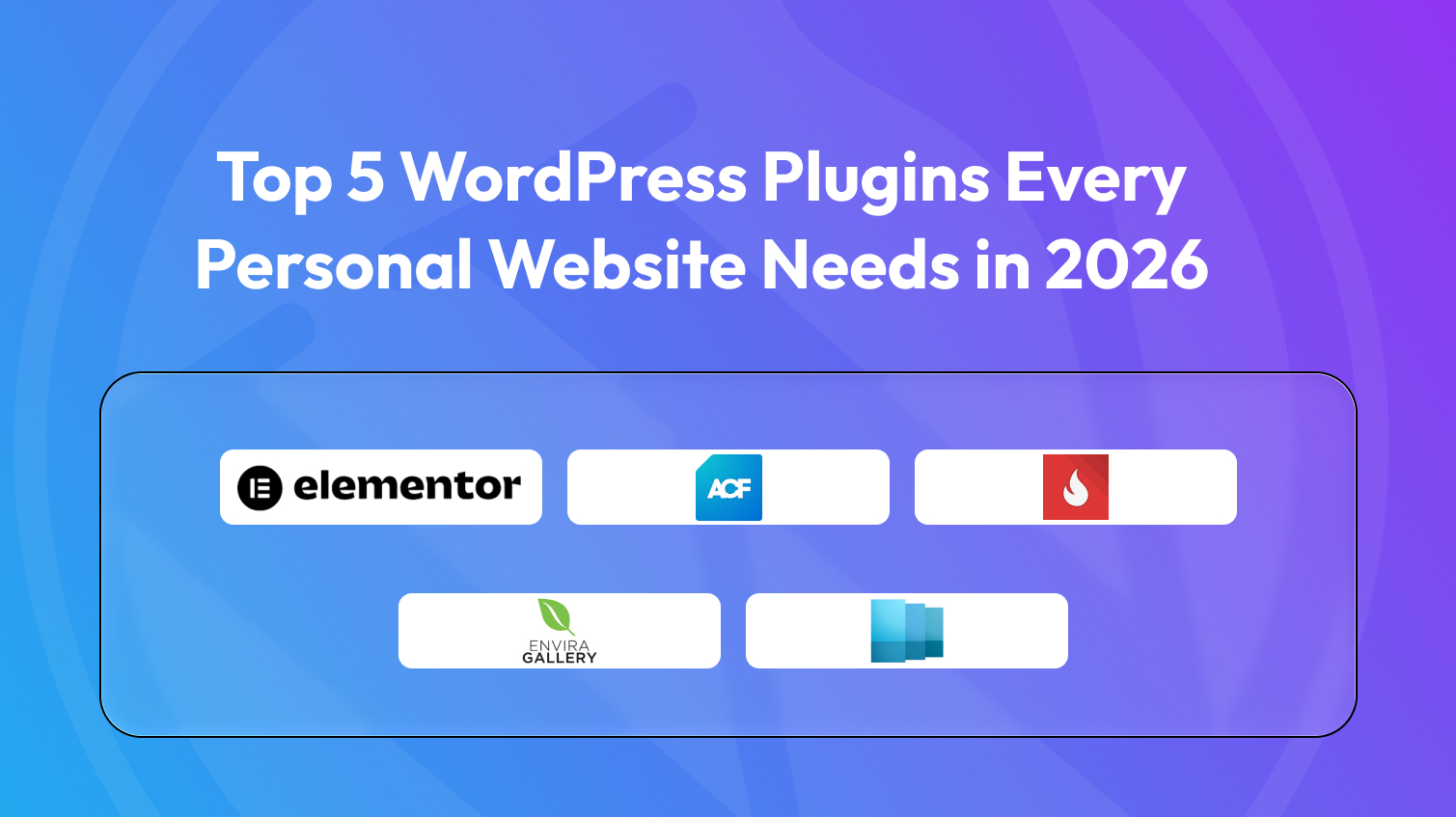
There is a common trap that personal website owners fall into. In the process of trying to build something meaningful, they install plugin after plugin until the site becomes bloated, slow, and harder to maintain than it is worth. The irony is that more tools rarely means more personality. More often, it means more noise.
After stripping away everything that is optional, niche, or redundant, five plugins remain that genuinely matter for a personal website. Not five categories with multiple options, five specific tools, each answering a distinct question that every personal site owner eventually faces. Together they cover identity, expression, guidance, and discovery without a single overlap.
Five Needs, Five Plugins
1. Elementor – Visual Identity
Answers: “How do I look?”
your site’s first job is to make an impression before anyone reads a single word. Layout, typography, spacing, color. All of it signals whether you’re worth paying attention to.
Default themes are designed to look acceptable to everyone, which means they look distinctive to no one. Elementor gives you full drag-and-drop control over every visual element without writing a line of code.
With it you can:
- Build a homepage that introduces you. Not just your latest posts
- Design an About page that reads as a narrative, not a bullet-point bio
- Create layouts that reflect your actual personality: minimal, layered, or entirely your own
This is the outermost layer of your site. Getting it right isn’t vanity, it’s basic self-presentation.
2. Advanced Custom Fields – Personal Identity
Answers: “Does this site reflect who I am right now?”
Most WordPress sites are entirely driven by posts, a record of past output. Your archive looks backward. It doesn’t show what you’re working on right now, what you’re reading, or how your thinking is evolving.
Advanced Custom Fields (ACF) lets you add structured, custom data fields anywhere on your site. Not posts, but live pieces of information you update as your life changes.
What you can build with it:
- A ‘Now’ page showing your current city, project, reading list, and thinking
- A homepage sidebar displaying active work without writing a post about it
- Any structured, present-tense data in a format you design and control
This is the single most underused tool in most personal website stacks. It transforms your site from a static archive into a living system.
3. WP Popular Posts – Best Work Discovery
Answers: “How do new visitors find my best work?”
If someone arrives on your site today, they land in the middle of an archive spanning years. Your strongest pieces. the essays that got shared, the posts that changed how readers think are buried. The newest appears first, but newest is rarely best.
WordPress Popular Posts surfaces your most-read and most-engaged content automatically, wherever you want it. Sidebar, homepage, footer, you decide.
The secondary benefit is just as valuable:
- First-time visitors instantly see what you’re actually about
- You learn which posts attract attention : data that’s honest in ways your instincts often aren’t
- No manual ‘Best Of’ page to remember to update
For a new visitor, this is the fastest path to understanding whether there’s anything worth reading here.
4. WP Show Posts – Content Flow and Curation
Answers: “How do I guide visitors somewhere meaningful?”
Chronological archives are logical containers, but poor guides. Someone who’s never read your work doesn’t benefit from seeing posts in the order you wrote them. they benefit from seeing them in the order that best communicates who you are.
WP Show Posts lets you create curated content blocks anywhere on your site without code.
Use it to:
- Build a ‘Start Here’ section pointing new visitors to your three best intro pieces
- Highlight specific essays regardless of publish date
- Separate long-form writing from shorter notes, each with its own visual treatment
Visitors won’t notice this, they’ll just feel that your site is easier to understand than most. That’s the goal.
5. Envira Gallery – Visual Expression
Answers: “Is there a visual dimension to who I am?”
For most people, the answer is yes, even for writers. Travel photos, sketches, design work, a curated set of images that reflects your aesthetic. Visual expression is part of personal expression.
Envira Gallery provides clean, fast-loading galleries with grid, masonry, and lightbox layouts. Your visual content gets its own dedicated space, separate from your writing, so neither dilutes the other.
Worth nothing even for text-focused sites:
- You don’t need to be a photographer to benefit from a visual layer
- A small gallery of places, work, or things you find beautiful adds dimension
- A photography section should look like a photography section. not a blog post with lots of images
The overall portrait of you becomes more complete when there’s something to see, not just something to read.
Install in order of impact
- Start with Elementor + ACF, These two transform how your site presents you. Design a homepage you’re proud of, build a “Now” page with ACF, and get comfortable before moving on.
- Add WP Popular Posts + WP Show Posts Once your identity layer feels solid, surface your strongest work and build curated sections. Your site will feel designed, not default.
- Add Envira Gallery last. Only when you have photographs, design work, or visual material that deserves its own dedicated space. There’s no rush here.
Conclusion
A personal website doesn’t become more personal by accumulating more tools. It becomes more personal when the tools it has are precisely matched to what it needs to communicate. Build from this foundation, and your site will feel less like a template someone populated and more like a place someone actually lives.

Leave a Reply
Articles
Related Insights.
Blogs and Resources on WordPress, WooCommerce, SEO and Marketing

Leave a
Comment.