
BookingPress Review – Effortless Scheduling Made Simple
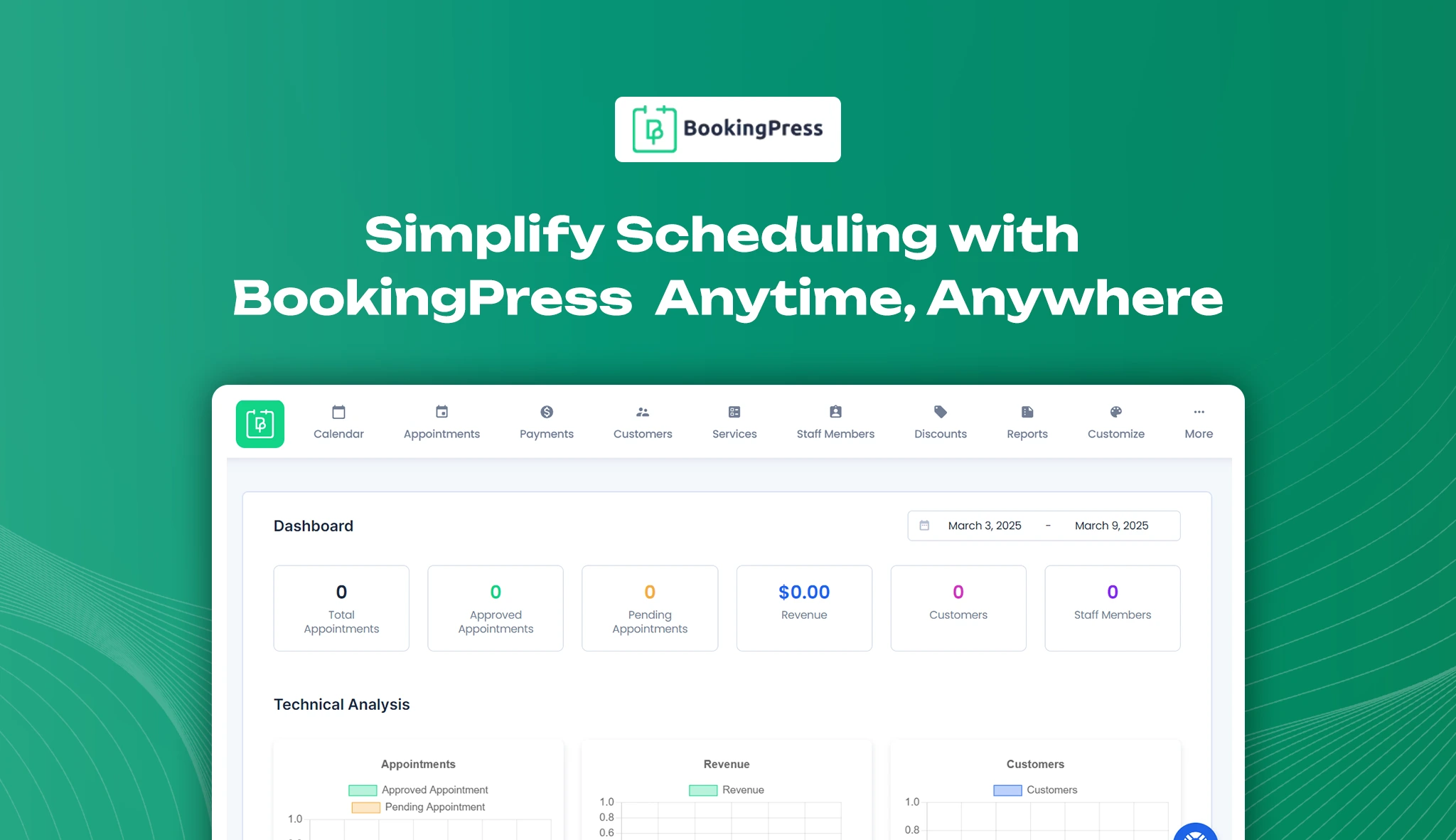
Managing appointments efficiently is crucial for businesses offering services, and BookingPress stands out as an all-in-one booking solution. With a user-friendly interface, seamless integrations, and advanced customization options, this plugin simplifies appointment scheduling while enhancing the user experience. Whether you run a salon, a consulting firm, or an online coaching service, BookingPress helps automate the booking process effortlessly.
Key Compatibility & Performance Stats
- Category: Booking & Appointment Scheduling
- Compatibility: Works with the latest WordPress versions, PHP 7.4+, and supports WooCommerce integration
- Pricing: Free & Premium versions are available (Pricing details below)
- Active Installations: 10,000+ (from WordPress repository)
- Ratings & Reviews: 4.8/5 from satisfied users on the WordPress plugin directory
BookingPress Overview
BookingPress provides an intuitive and well-organized dashboard, making it easy for users to manage appointments. The dashboard is designed to streamline booking management, payment processing, and customer communication efficiently. Here’s a look at its main tabs and what they offer:
1. Dashboard
A summary of recent bookings, pending requests, and overall appointment statistics.

2. Calendar
A visual representation of scheduled appointments for easier planning.

3. Appointments
View, manage, and update upcoming and past bookings.

4. Payment
Configure payment gateways like PayPal, Stripe, and offline payment methods.

5. Customers
Store and access customer details, booking history, and contact information.

6. Services
Add, edit, and organize various services with pricing and duration options.

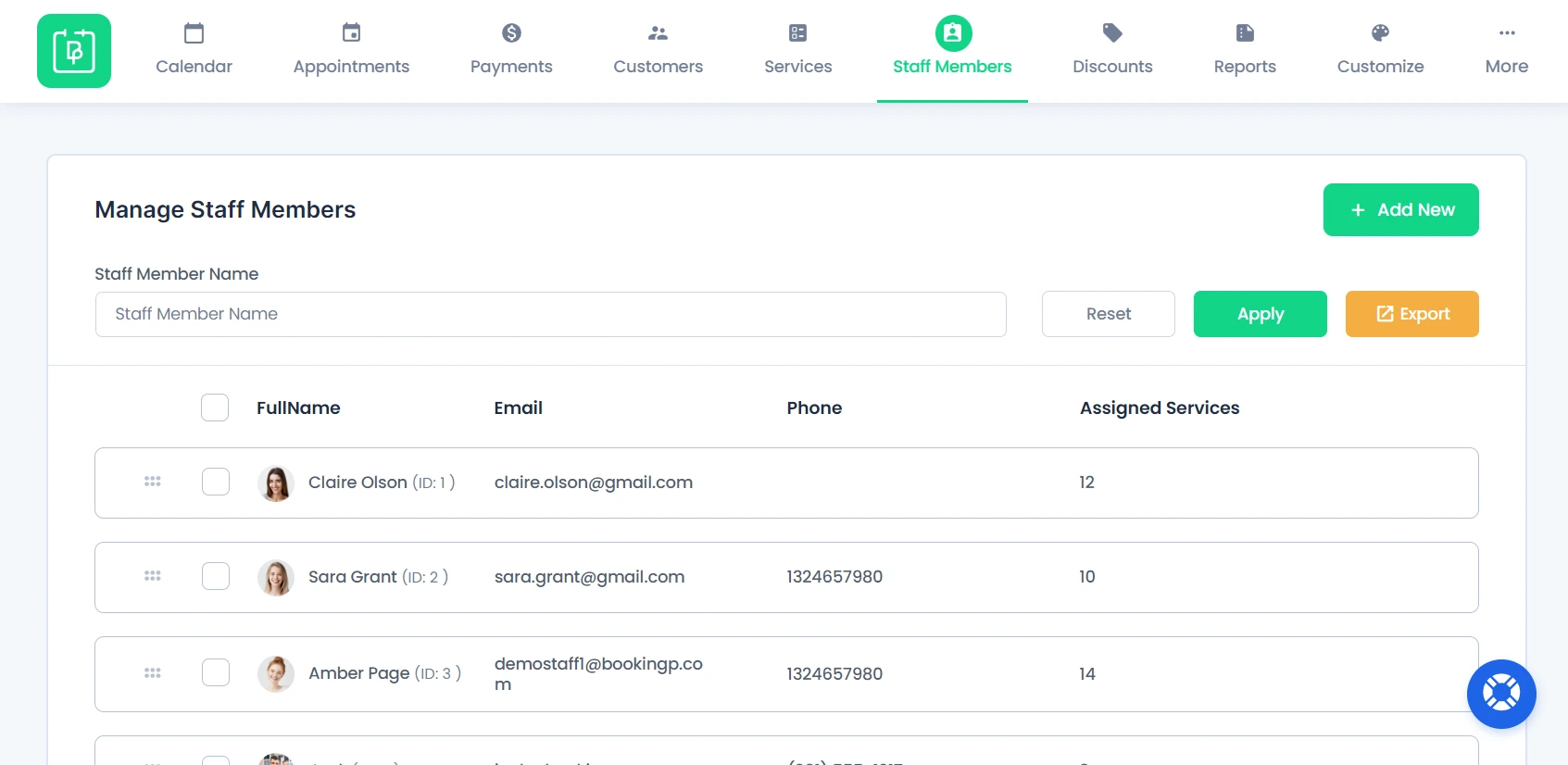
7. Staff Members
Manage staff schedules, availability, and assigned bookings.
8. Discount
Manage and configure discounts for services, allowing businesses to offer special deals and promotions to customers.

9. Reports
Generate reports on revenue, appointment trends, and customer engagement.

10. Customize
Allows users to personalize their booking experience through two customization options:
Forms
Customize the booking form layout and fields to match business requirements.

Custom Fields
Add unique fields to collect specific information from customers during the booking process.

Key Features
- 24/7 Appointment Scheduling – Enable customers to book appointments anytime, anywhere.
- Unlimited Services & Bookings – No restrictions on the number of services or appointments.
- Any Appointment Duration – Set flexible time slots based on business needs.
- Handy Admin Tools – Easily manage bookings, customers, and schedules.
- Booking with Calendar View – Get a visual overview of all scheduled appointments.
- Agile Schedule – Customize staff availability and business hours with ease.
- Customized Email Notifications – Send personalized booking confirmations and reminders.
- Online Payment Processing – Accept payments via PayPal, Stripe, and offline options.
- Step-by-Step Booking Wizard – A guided booking process for a seamless experience.
- Fully Tunable Booking Form – Customize form fields to match business requirements.
- In-built Spam Protection – Prevent spam bookings and ensure security.
- Statistics & Reports – Track business performance with in-depth analytics.
- Page Builder Support – Compatible with popular page builders for easy customization.
- Translation Ready – Supports multiple languages for a global audience.
- Custom Fields for Checkout – Add specific fields to collect relevant customer details.
- Add Appointments Manually – Admins can add or modify bookings from the backend.
Explore more features to see what BookingPress has to offer!
Pricing
Pricing is crucial when choosing the right booking plugin. BookingPress offers flexible pricing plans suitable for businesses of all sizes.

Pros and Cons
Pros:
- Easy-to-use interface with a seamless booking experience.
- Supports multiple payment methods, including WooCommerce.
- Customizable booking forms for different business types.
- Automated reminders via email & SMS.
- Affordable pricing with a lifetime access option.
Cons:
- Limited features in the free version.
- Some users may require additional customization for niche industries.
Performance & Optimization Insights
BookingPress is optimized for performance and does not slow down your WordPress website. It follows coding best practices to ensure fast page loading times. To maximize efficiency, it’s recommended to:
- Use a caching plugin to enhance speed.
- Optimize images to prevent performance bottlenecks.
- Keep the plugin updated to access the latest improvements.
Best Use Cases
- Small Businesses & Service Providers – Ideal for salons, spas, clinics, and consulting firms.
- Freelancers & Coaches – Great for individuals managing appointment-based services.
- Educational Institutions – Useful for scheduling classes, webinars, or coaching sessions.
- eCommerce & WooCommerce Stores – Works well for businesses that sell bookable services online.
Alternative Plugins
- Amelia – Offers robust features but is more expensive.
- Bookly – A strong competitor with similar features but requires add-ons for advanced functions.
- Simply Schedule Appointments – A lightweight alternative for simple booking needs.
Final Thoughts & Recommendation
BookingPress is an excellent booking solution for businesses that require a hassle-free, customizable, and performance-optimized scheduling system. With affordable pricing and a strong feature set, it is a worthy investment for businesses looking to automate their appointment scheduling.
Download & Learn More
Visit BookingPress’s Official Website to download and get started today!

Leave a Reply
Articles
Related Insights.
Blogs and Resources on WordPress, WooCommerce, SEO and Marketing

Leave a
Comment.